Video games
Pokémon Pokopia v1.0.2 and Pokémon XD: Gale of Darkness on Switch 2
Pokémon Pokopia on Switch 2 receives version v1.0.2 with fixes for missions that could get stuck and an adjustment to the Pokédex. Pokémon XD: Gale of Darkness also arrives.
Quick recap
Nintendo Switch 2 gets Pokémon Pokopia v1.0.2 with fixes for requests that could block progress and a Pokédex adjustment. Also, Pokémon XD: Gale of Darkness is added to Nintendo Switch Online + Expansion Pack for those playing on Switch 2.
What matters
Pokémon Pokopia continues expanding on Nintendo Switch 2 with the v1.0.2 update, focused on fixing cases where some requests would get stuck or made it hard to move forward. At the same time, Pokémon XD: Gale of Darkness can already be played on Switch 2 for subscribers of Nintendo Switch Online + Expansion Pack.
In this guide, we review the confirmed changes: quest-related adjustments and corrected Pokédex errors, plus what the access to Pokémon XD: Gale of Darkness includes (and what it doesn’t include).
Pokémon Pokopia v1.0.2: fixes for stuck missions
The version 1.0.2 introduces fixes related to specific requests where certain actions could make it difficult to progress or prevent the game from continuing.
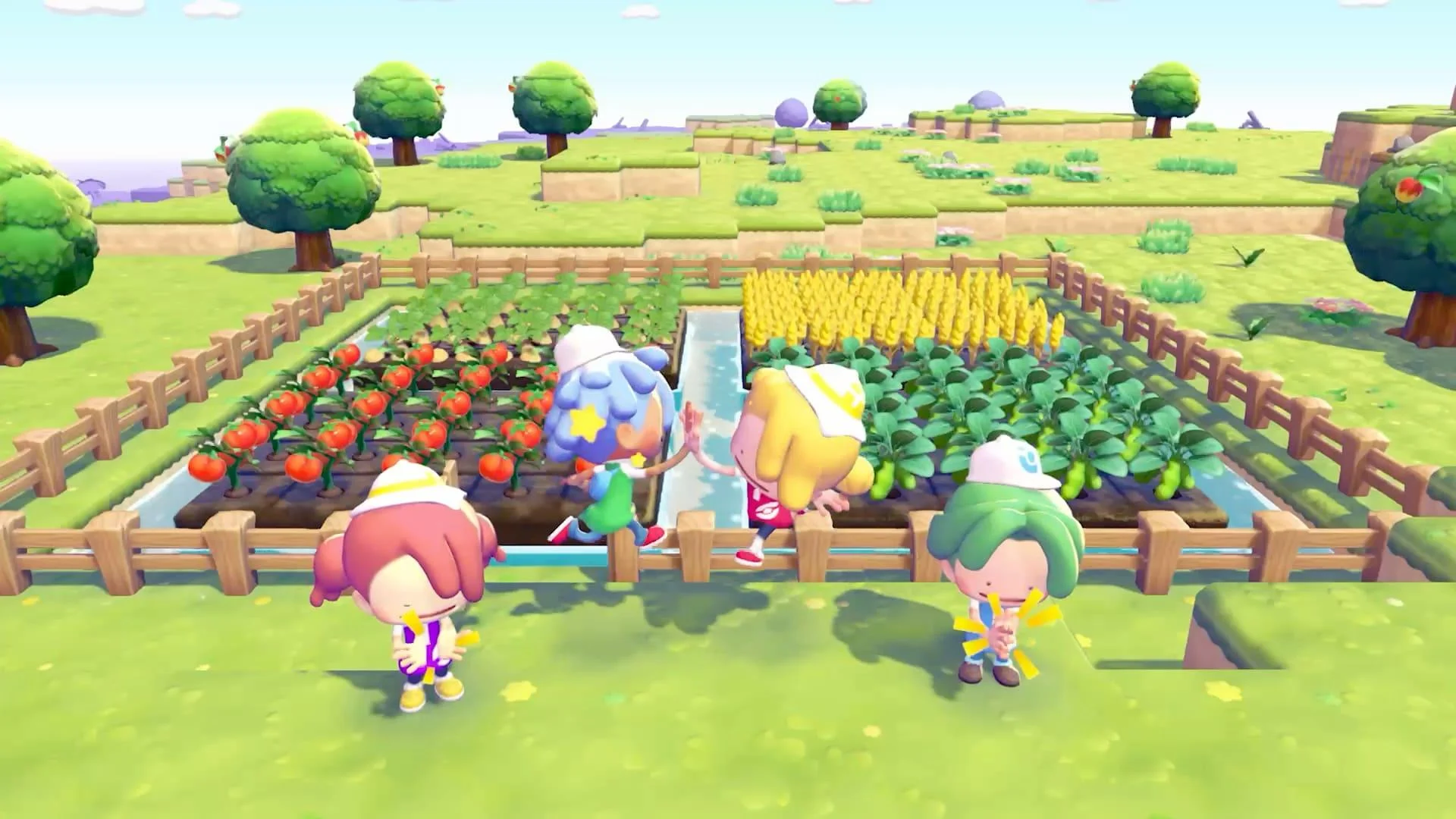
Withered Wasteland: “Rock Smash your way to treasure!”
If, during the request, the player placed other blocks on the nearby cracked blocks by Hitmonchan, it could become confusing to understand how to continue.
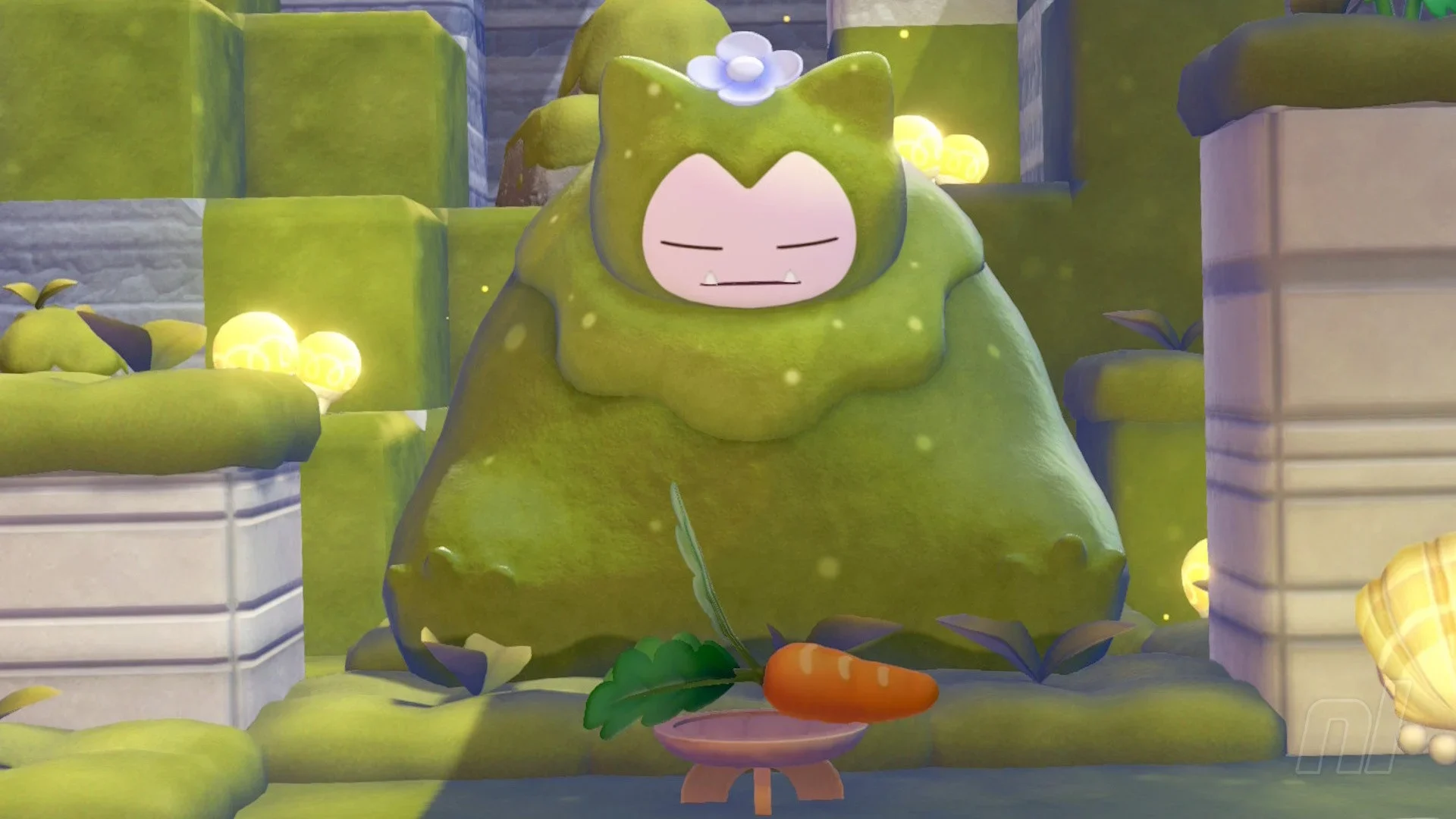
Bleak Beach: “To Snorlax!”
In the request “To Snorlax!”, covering the cracked blocks near Snorlax with blocks could make the mission difficult to complete.
Withered Wasteland: “Help make a home!”
In “Help make a home!”, Squirtle could climb onto a tree and end up in a position from which it was impossible to talk to him, blocking progress.
Errors with bridges, events, and action sequences in Rocky Ridges and Bleak Beach
In addition to stuck missions, the update also corrects issues that affect events tied to bridges or to triggering events via action sequences.
Bleak Beach: “Find the Pokémon Center!”
Rocky Ridges: encounter with Rotom
In Rocky Ridges, there is a specific action sequence that could prevent the event where the player encounters Rotom from occurring.
Rocky Ridges: “Clear off the path!”
If the request “Clear off the path!” was triggered under certain conditions, it could make the task harder to complete.
- If certain cracked blocks of the bridge were broken before Professor Tangrowth crossed it, it could complicate progress in the request.
- In that same request, a specific action sequence could prevent the bridge repair by Professor Tangrowth from triggering.
Pokédex change: Spinarak with the wrong type
The v1.0.2 update also fixes a visual content error: Spinarak was appearing with the wrong type in the Pokédex.
Pokémon XD: Gale of Darkness on Switch 2 with NSO + Expansion Pack

For subscribers of Nintendo Switch Online + Expansion Pack, Pokémon XD: Gale of Darkness is already available on Nintendo Switch 2.
The game was originally released for Nintendo GameCube in 2005 and continues Michael’s story in the region of Orre, where he investigates the Cipher organization and faces off against Shadow Lugia.
What the subscription version includes
Confirmed connectivity limitations
- Access to Pokémon XD: Gale of Darkness on Switch 2 via Nintendo Switch Online + Expansion Pack.
- There is no connectivity with the re-releases Pokémon LeafGreen and Pokémon FireRed.
- It does not allow transferring Pokémon from the Game Boy Advance games mentioned in the available information.
Handheld Mode Boost on Switch 2: how to enable it and what to watch for
The console update 22.0.0 includes a feature called Handheld Mode Boost for compatible games. This option makes performance in handheld mode match that of docked mode (as if playing in the dock).
To enable it: System Settings → System section.
The published information also warns about two possible drawbacks:
If you want to check visual performance differences, it may help to review titles from the previous generation in handheld mode.
- issues with touchscreen controls
- additional battery consumption
What to check if your progress in Pokopia got stuck
If you’re playing Pokémon Pokopia on Switch 2 and your game got stuck, pay special attention to the sections related to the requests where the issues were identified.
The most direct way to apply these fixes is to confirm that you have installed the v1.0.2 update.
- Move or cover cracked blocks near Hitmonchan in Rock Smash your way to treasure!
- Check the interaction with Squirtle in Help make a home!
- Bridge blocks and the repair activation in Find the Pokémon Center!
- Event activation in Rocky Ridges (encounter with Rotom and request Clear off the path!)